Viking Wall Oven F7 Fault Code
F7 on a Viking wall oven means the ERC has detected a keypad button registering as continuously pressed — a shorted or stuck key condition. The wall oven cannot accept valid user commands while F7 is active. F7 is most commonly caused by moisture from steam or a spill reaching the membrane keypad and shorting a key contact. If F7 appeared after cleaning, steam exposure, or a nearby boiling pot, allow the control panel to dry completely for 24–48 hours before resetting. If F7 appeared without any moisture event and returns after reset, the membrane switch assembly has failed and requires professional replacement.
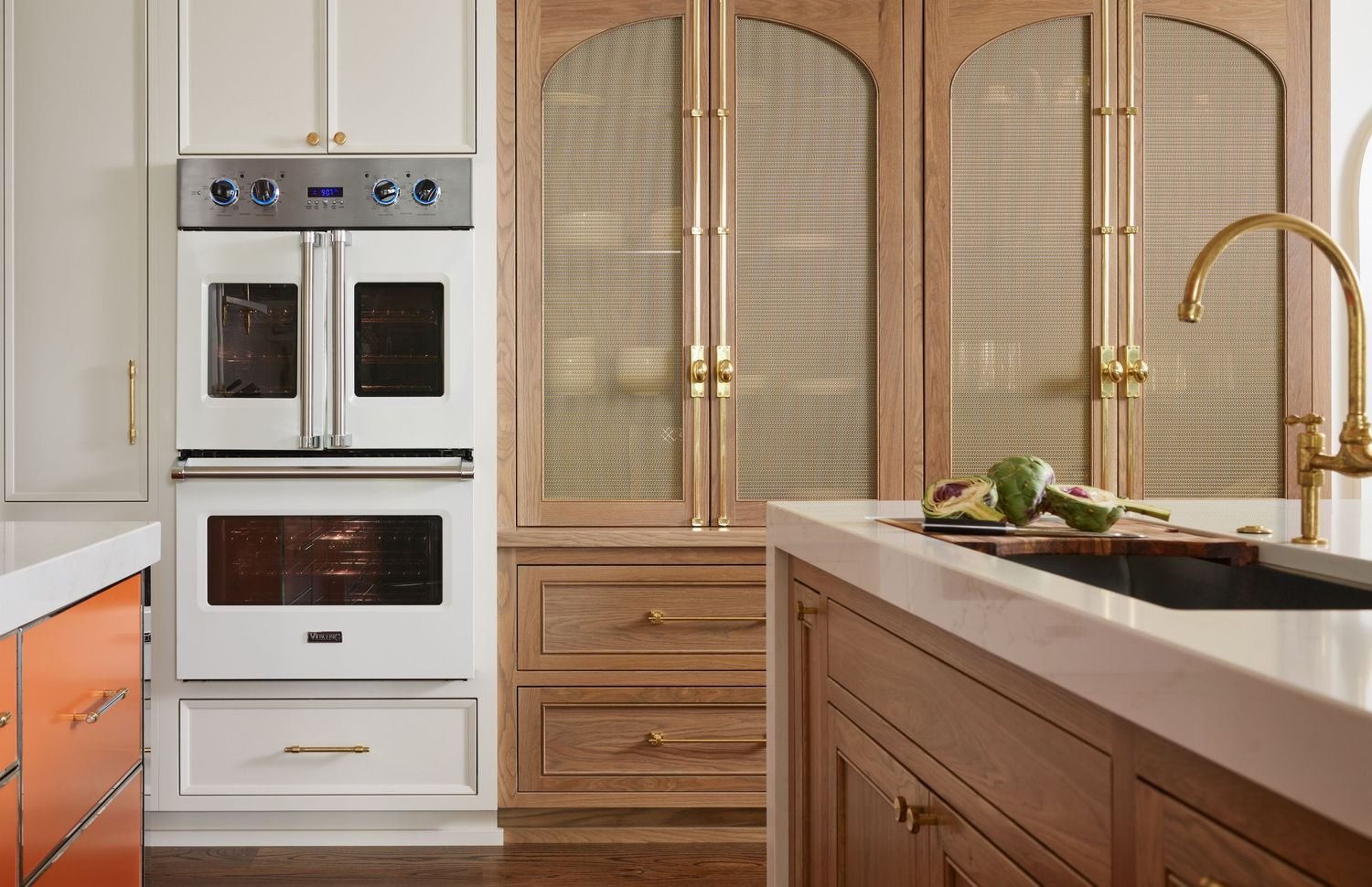
What Causes the F7 Error?
Steam from cooking — including from a nearby rangetop burner or the wall oven itself — or liquid from cleaning has entered the membrane keypad and is shorting a key contact to register as continuously pressed.
The conductive membrane layer beneath the keypad surface has deteriorated, cracked, or been punctured, creating a permanent short on one or more control inputs without any moisture present.
Grease that has worked under the edge of the keypad membrane has built up enough to depress or bridge a contact area, registering as a stuck key.
The ribbon cable connecting the keypad membrane to the control board has developed a pinched or shorted trace, causing the ERC to receive a continuous input signal mimicking a stuck key.
Basic Steps Before Calling a Technician
-
01Turn Off the Wall Oven and Allow Panel to Dry
Switch off the wall oven and turn off the circuit breaker. If F7 appeared after a spill or steam exposure, allow the control panel area to dry completely at room temperature for at least 24–48 hours before attempting a reset.
-
02Circuit Breaker Reset After Drying
After the panel has dried, restore circuit breaker power. If F7 clears and does not immediately return, the issue was moisture-related. Monitor the panel over the next several uses to confirm the fault has resolved.
-
03Clean the Control Panel Surface
With the oven off, use a slightly damp cloth to clean around all keypad button edges and seams where grease and residue accumulate. Avoid excess moisture. Allow to dry fully before testing.
When to Call a Technician
If F7 returns after the control panel has been fully dried and the breaker reset, the keypad membrane switch or control panel assembly has failed and requires professional replacement with a Viking OEM part.
Book a Technician →Estimated range for parts and labor. Your technician provides an exact upfront quote before any work begins. Diagnostic fee is applied toward the repair cost.
- Genuine Viking OEM parts only
- 30-day parts & labor warranty
- Upfront pricing — no hidden fees
- Same-day service available
Other Viking Wall Oven Error Codes
Viking F7 Error Code — Frequently Asked Questions
Common questions about Viking appliance repair answered by our certified technicians.
-
Yes. Steam from a nearby rangetop, the wall oven itself during high-moisture cooking, or aggressive steam cleaning near the control panel can reach the membrane keypad and cause F7. Allow the panel to dry completely for 24–48 hours and reset the breaker.
-
F7 without a moisture event indicates the membrane switch layer has failed due to age, wear, or a ribbon cable fault — not moisture. In this case, drying will not resolve the issue and professional keypad membrane replacement is required.
-
F7 prevents the ERC from accepting valid user commands since it interprets the stuck key as continuous input. The oven will not function normally until F7 is cleared. Allow the panel to dry and reset, and if F7 persists, schedule professional service.
Fix Your Viking F7 Error Code Today
Schedule online or call us directly. We offer same-day and next-day Viking appliance repair appointments across all six service areas, Monday through Saturday.
- Genuine Viking OEM parts on every repair
- Same-day and next-day availability
- Upfront pricing — no hidden fees
- 30-day parts & labor warranty
- Certified, background-checked technicians